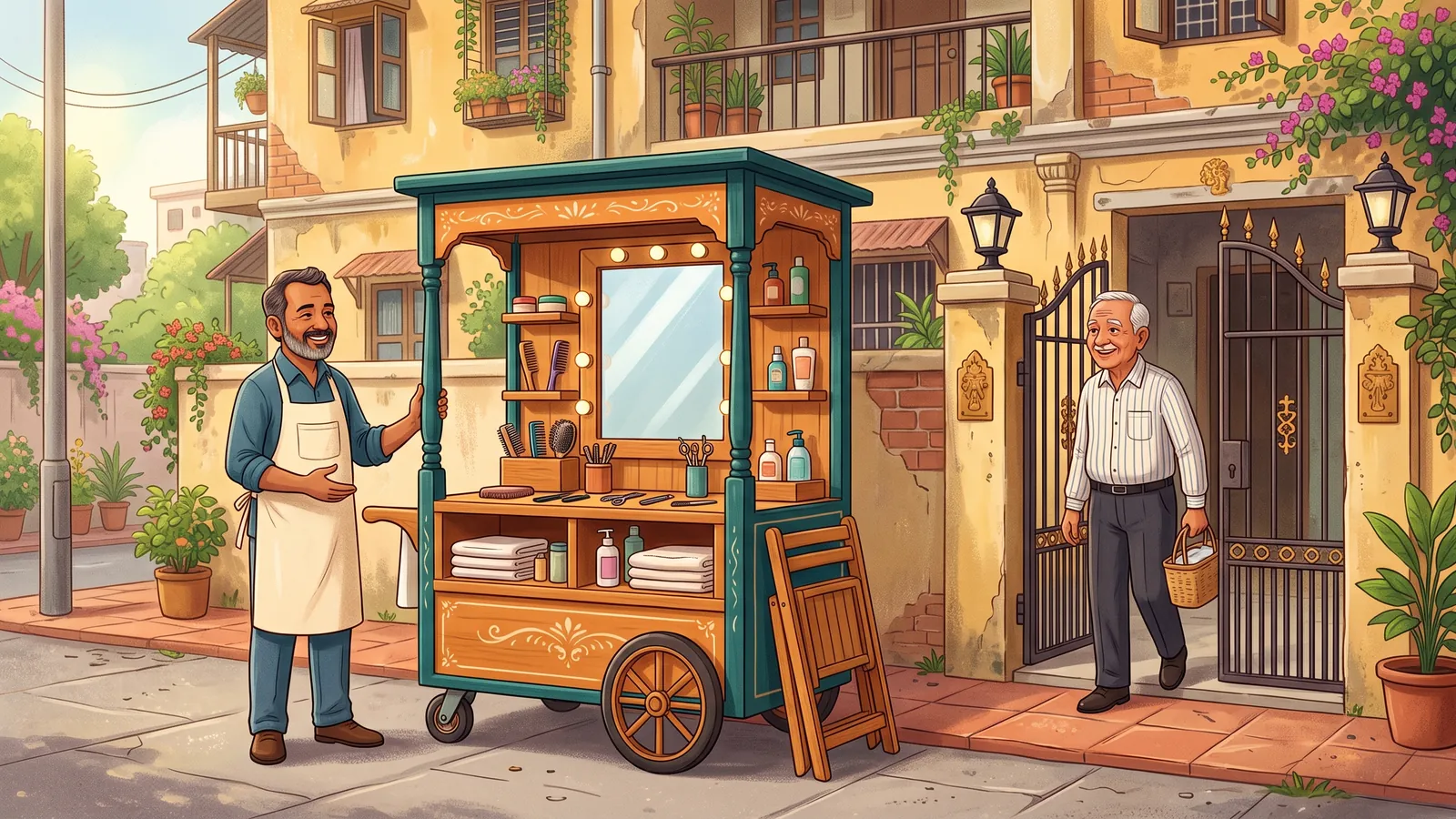
Kadaikodi does not force one way of shopping. A customer chooses among the ways a business offers:
- Doorstep visit — the mobile storefront comes to your address and you buy in person.
- At-home service — a haircut, mehendi, a repair or a fitting at your place.
- Home delivery — the order is brought to you.
- In-store pickup — order ahead and collect at the stall or shop.
- Store visit — book a time and go to the shop, with your order or chair ready.
- Scheduled stop — the cart passes your street on set days.
- Group stop — neighbours, an office or an event pool one visit.
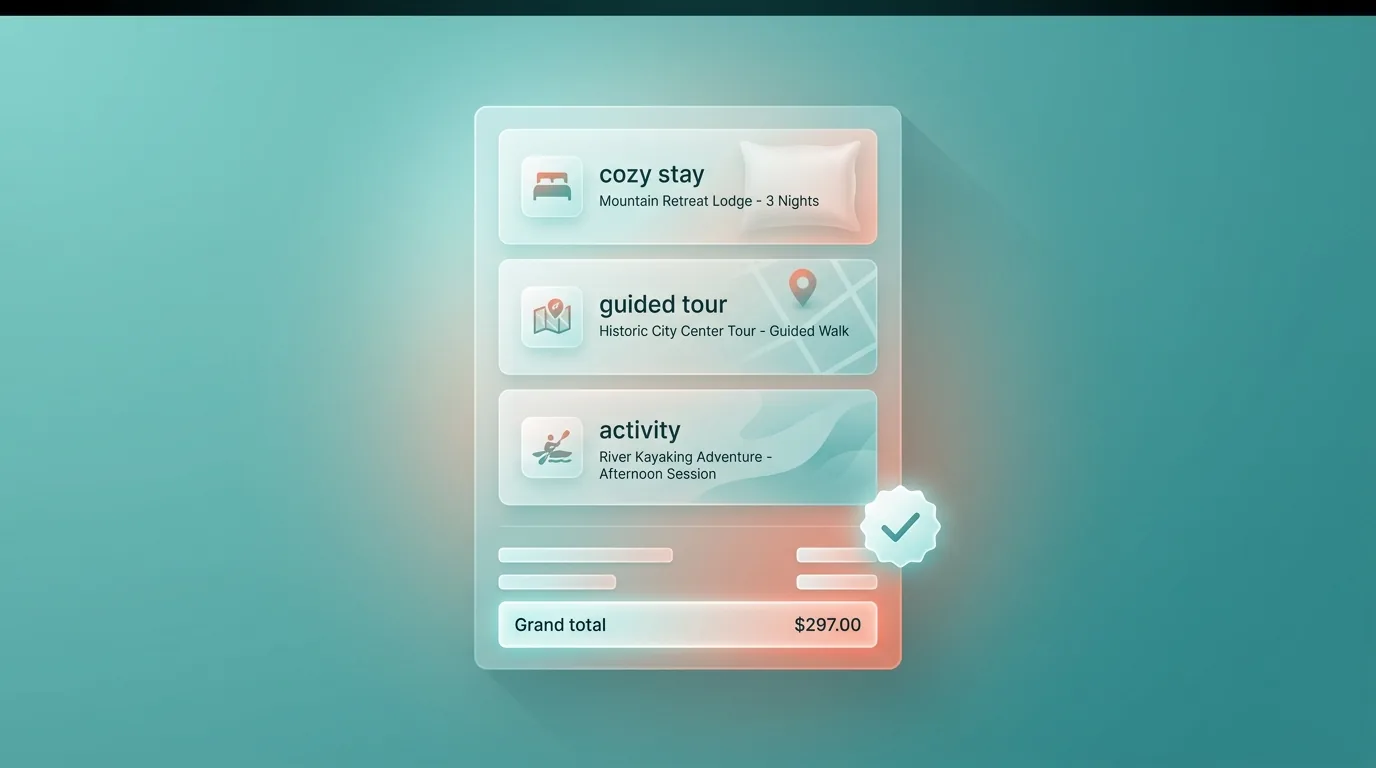
The business decides which of these it offers, for each product or service, and sets its own radius, hours, visit fees and minimums. At checkout the customer sees every charge itemised before placing the order, and pays in cash or digitally. Whatever the way to buy, the order lands in the same order list, stock and daybook for the business.
This is an illustrative scenario, not a customer story.
Illustrative workflow outline
Turn a browsing cart into a durable order — set your address, pick how to pay, see an itemized total, and place it for the merchant to act on.
This outline is not proof that a workflow completed. Actual availability and outcomes depend on your role, workspace configuration, and the service at the time you use it.
From your cart's Proceed to Checkout button, land on the Checkout page.
You should see: Your order summary appears in a sticky sidebar with the running total.
Ready to make this your story?