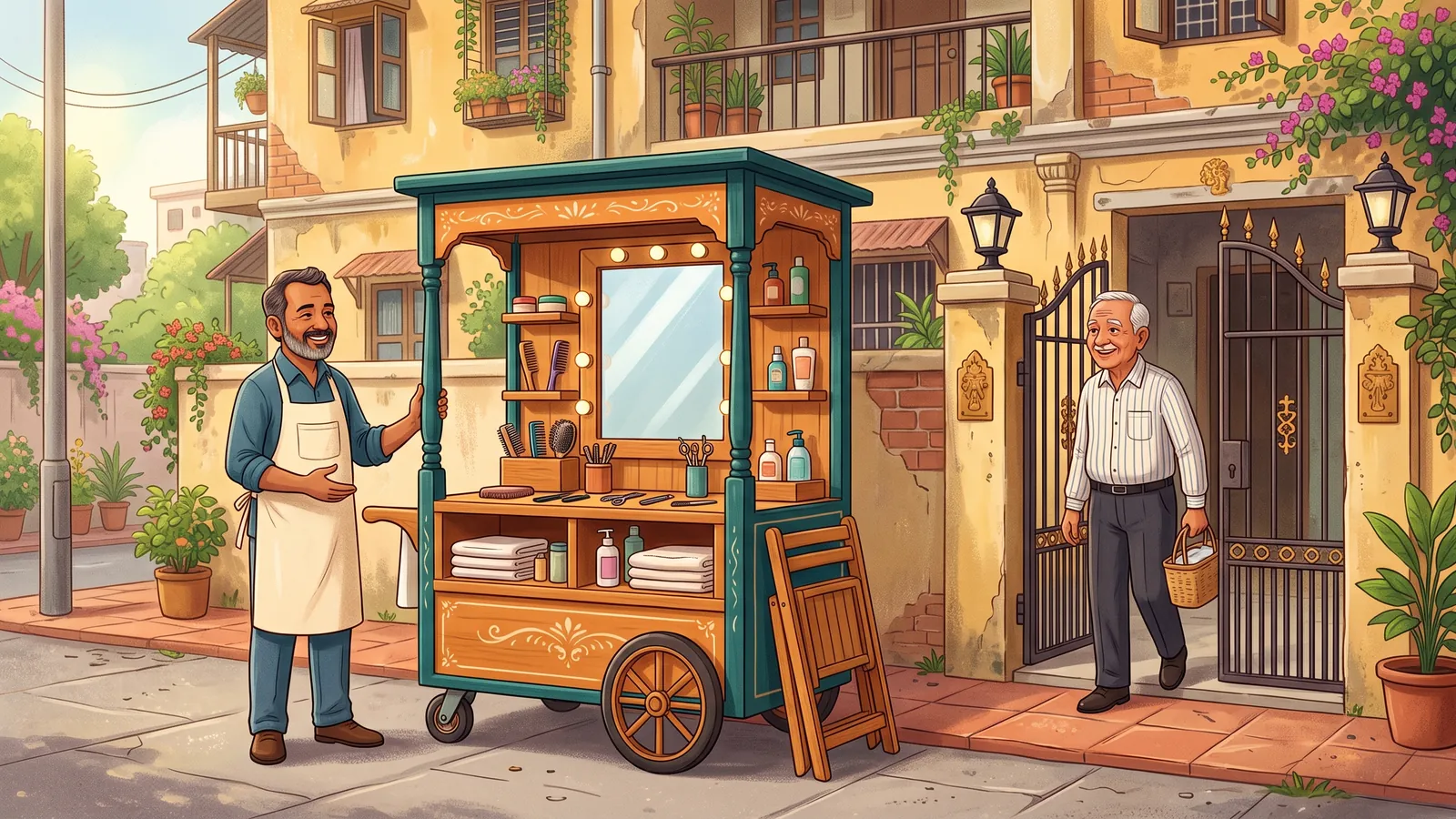
Much of neighbourhood commerce is repeat business: the same morning tiffin, the weekly fruit, the snack stall on the way home. Kadaikodi keeps those relationships close.
Your favourites and “my regulars” sit at the top. Past orders can be repeated in a tap, with the same items and notes. And when a regular is on duty near you, the companion can nudge you — only if you asked it to.
The relationship belongs to you and the vendor. Kadaikodi does not hide the business behind its own brand: the cart keeps its name, and its regulars know exactly whom they are buying from.
This is an illustrative scenario, not a customer story.
Illustrative workflow outline
Keep your go-to merchants and items in one place and reorder a past favorite without rebuilding the cart from scratch.
This outline is not proof that a workflow completed. Actual availability and outcomes depend on your role, workspace configuration, and the service at the time you use it.
Open Favorites to see the carts and products you have saved.
You should see: Your saved merchants and items load in separate sections, with context like last ordered, order count, and total spent.
Ready to make this your story?