
In-Context Assistant and Daily Proposals
An assistant that already knows which order you are looking at, and a daily queue of suggested changes you accept, edit or dismiss.
These images are illustrations of the concept, not screenshots of the actual product.
Overview
This concept explores what AI assistance looks like when it is wired into the working surface rather than bolted on as a separate chat window. Two ideas carry it. First, the assistant inherits the context of whatever is on screen — the order, the console and the role — so a question can be asked in ordinary words without restating any of it. Second, anything the assistant wants to change arrives as a proposal with its reasoning attached, and a person decides.
Generic chat help fails commerce operators for a simple reason: by the time you have explained which order, which cart and which day you mean, you could have found the answer yourself. And an assistant that acts on its own is worse, because pricing, stock and replies to unhappy customers are decisions with consequences. The design splits the difference by making context automatic and action explicit.
In the first illustration the assistant sits docked beside a live order-tracking view. Context chips above the conversation name the order it is bound to and the console the person is working in, a plain question about the delivery is answered against the order's actual state, and follow-up chips offer the next likely moves. The second illustration turns the same idea into a daily work queue for a cart owner: a set of proposal cards, each tagged by kind — a price change, a restock quantity, an order running long, a draft reply to a poor review — each stating the current value beside the proposed one, each exposing the evidence behind it, and each offering accept, edit and dismiss. A side rail records what was applied today with an undo, and notes that an accepted change is written as the merchant's own edit.
This is the AI layer over everything else in the product: the order lifecycle, the catalog and inventory, the analytics and the review inbox. The proposals heading carries a preview badge, and the review card makes the human boundary explicit by keeping a drafted reply unpublished until a person sends it. Governance for how far an assistant or an external agent may reach is handled by the companion concept on agent access.
What this concept shows
- An assistant panel docked to the working surface, with minimize and close controls and a floating launcher for reopening it
- Context chips that show exactly what the assistant is bound to, including the specific order and the console the person is in
- Plain-language questions answered against the live state of the record on screen, not a generic help article
- Suggested follow-up chips for the next likely actions, such as explaining the status timeline, contacting the merchant or reordering
- A daily proposals queue with a count, where each card is tagged by kind — price, restock, order or review
- Current-versus-proposed framing on every card, so the change being asked for is unambiguous
- An expandable evidence line under each proposal stating the observation behind it
- Accept, edit and dismiss on every card, with drafted customer replies held unpublished until a person sends them
- An applied-today rail with timestamps and an undo link, and a note that accepted changes are recorded as the merchant's own edit
How it works
- A person working in the console opens the assistant from the docked panel or the floating launcher; it picks up the record and role already on screen.
- They ask a question in ordinary words and get an answer grounded in that record's current state, then follow one of the suggested chips instead of typing a new question.
- On the merchant dashboard, the day's proposals are gathered into a single queue with a count of what is waiting.
- Each proposal is read as a current-to-proposed pair, and the evidence line is expanded when the reasoning matters.
- The merchant accepts a proposal as it stands, edits the value first, or dismisses it — and reviews any drafted customer reply before it is sent.
- Applied changes are listed in the side rail with their timestamps, where they can be undone.
Who it's for
- Cart and shop owners running day-to-day operations
- Merchant staff handling orders, stock and customer replies
- Customers tracking an order and asking for help
- Marketplace operators evaluating assisted workflows
Illustrations
2 illustrations of this concept. Select one to view it full size.
Assistant Docked to an Order
This illustration shows a dark-themed console on desktop. The left sidebar groups navigation by role, with sections for the main area, customer, cart owner, worker, investor, admin and system entries, and the customer orders item highlighted. A top bar carries a location chip, a global search field, notifications and an account avatar, with a breadcrumb underneath tracing the marketplace, the order list, the order reference and the tracking view. The main card shows an order and its merchant with an estimated-arrival badge, then a horizontal status timeline whose steps run from placed through confirmed, preparing and ready to out for delivery, which is marked current, with delivery still pending. Line items and a subtotal, delivery and total row sit below. On the right, an assistant panel carries two context chips naming the bound order and the console, a short question from the person, an answer describing where the order stands, and follow-up chips. Sample data throughout.
Today's Proposals Queue
This illustration shows a proposals queue on a merchant dashboard in a dark console. A breadcrumb, a cart selector chip and a day filter sit above a heading that carries a count of waiting proposals and a preview badge. Four cards fill the grid, each with a category tag: a price card comparing a current item price to a proposed one for an evening window, a restock card comparing quantity on hand to a target before an afternoon cutoff, an order card flagging how long a specific order has been preparing and suggesting a status change or a customer contact, and a review card with an editable draft reply to a low-rated review and a note that nothing is published until it is sent. Each card exposes a one-line evidence statement and offers accept, edit and dismiss. A right rail lists timestamped applied changes with an undo link and an audit note. Sample data throughout.
Topics
- in-context AI assistant
- context-aware chat in an app
- AI action proposals
- human in the loop approval
- price change suggestions
- restock recommendations
- AI drafted review replies
- order status questions
- undo applied changes
- merchant daily briefing
Related concepts
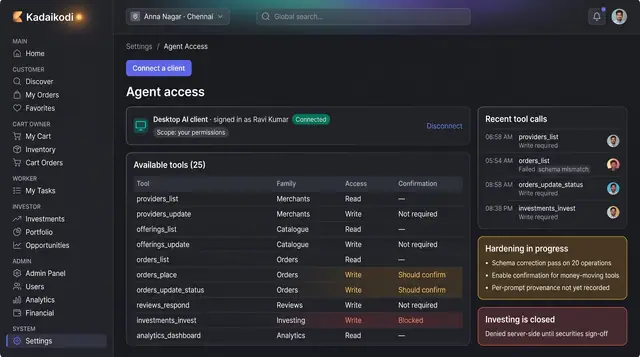
Agent Access and AI Governance
Connect an external AI client to a named set of tools, see every call it makes, and hold the policy that decides what it may touch.
2 illustrations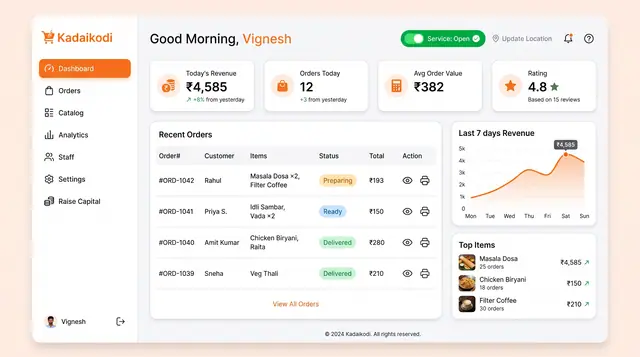
Merchant Dashboard and Order Lifecycle
See the day's revenue, orders and rating, open the storefront, and move each order from new to dispatched.
2 illustrations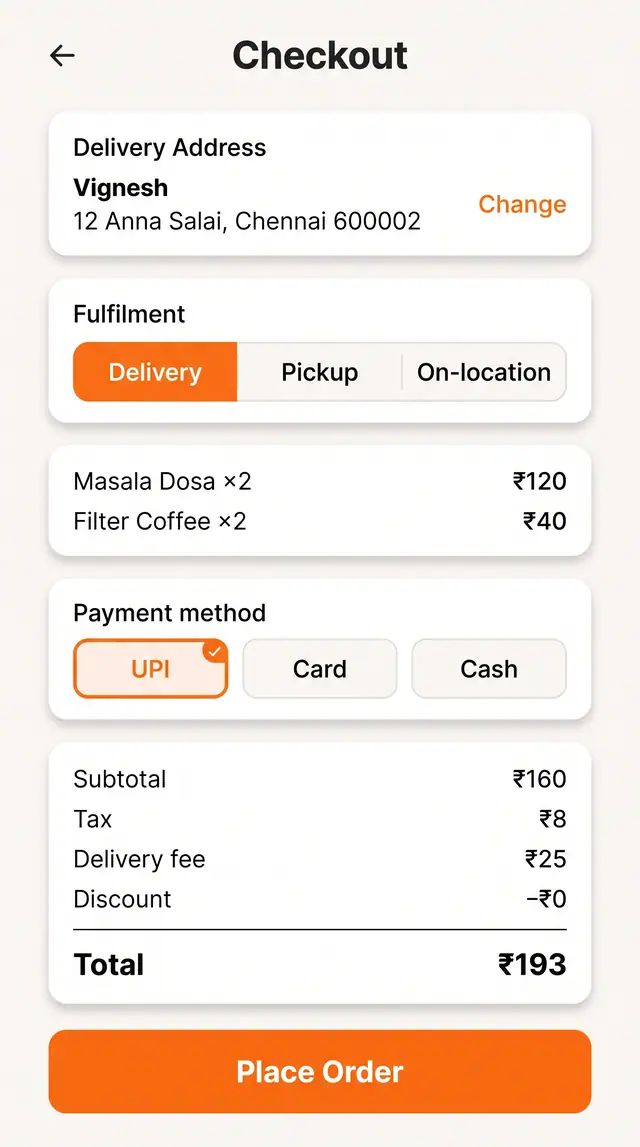
Checkout and Live Order Tracking
Choose fulfillment, address and payment against a clear price breakdown, then follow the order through to the door.
2 illustrations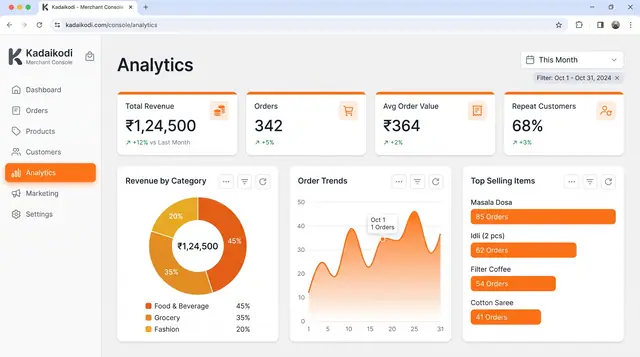
Sales Analytics and Demand Outlook
Revenue, orders, top sellers and peak hours from a merchant's own orders, plus a look ahead at the next busy stretch.
3 illustrations