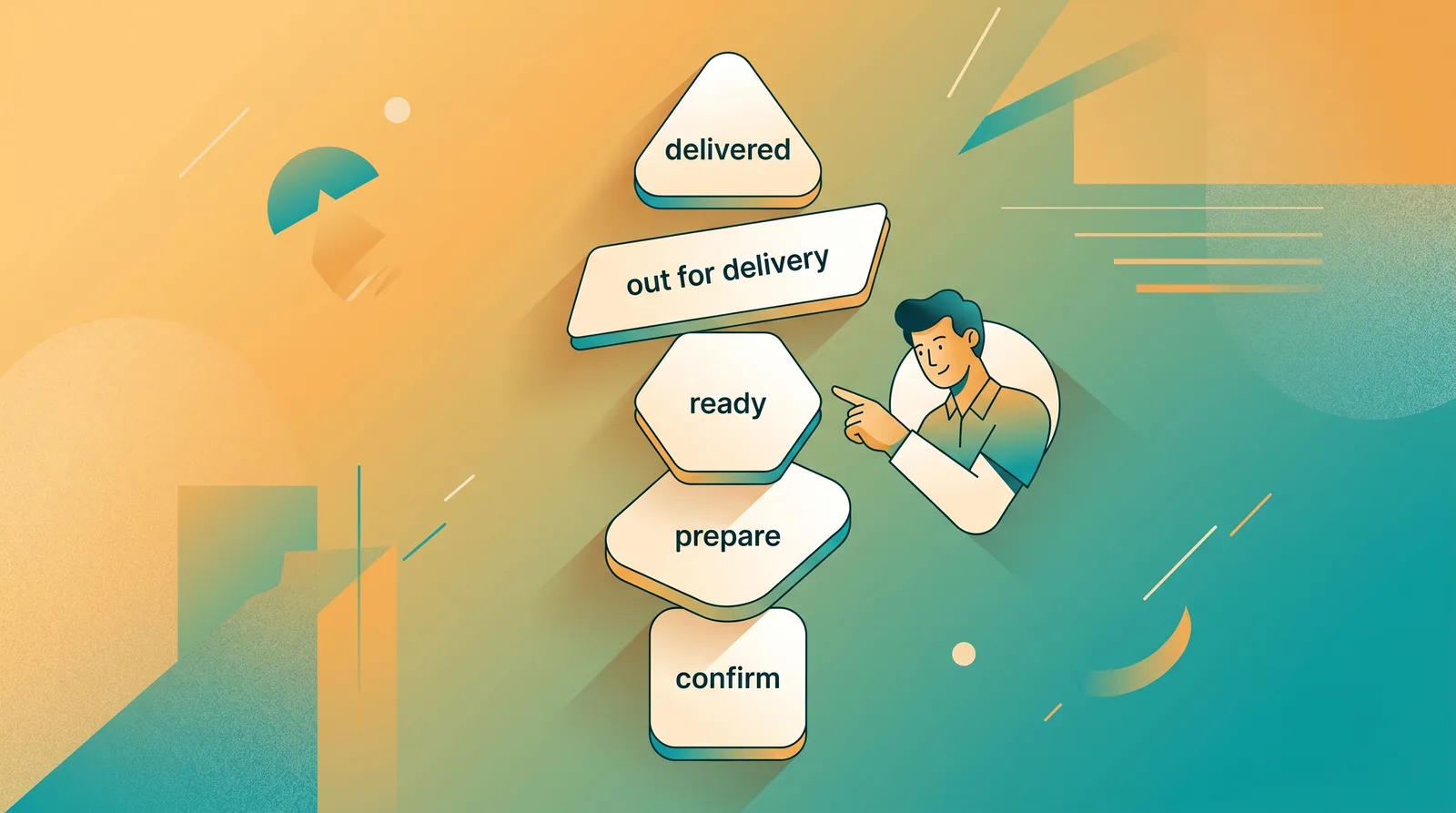
A small eatery takes walk-in orders at the counter, pickup orders from regulars, delivery orders in the evening and an occasional catering booking. On Kadaikodi they all land in one order list.
Each order moves through its steps — accepted, preparing, ready, on the way, delivered — and carries its payment status separately, so “delivered but unpaid” is never lost. Walk-in sales take a tap or a sentence by voice. Every step is stamped on the order’s timeline.
The same orders drive the stock, the daybook and the track record, so the owner never has to add them up twice.
This is an illustrative scenario, not a customer story.
Illustrative workflow outline
Run the day from one order queue — accept incoming orders and move each through preparation to completion, with every transition stamped on its timeline.
This outline is not proof that a workflow completed. Actual availability and outcomes depend on your role, workspace configuration, and the service at the time you use it.
From the dashboard, open Order Management.
You should see: The order queue opens with a Today's Orders summary (total, pending, active, completed, revenue).
Ready to make this your story?