
One Control Plane, Every Role
One front door for the platform, and one account that moves between customer, merchant, worker, investor and operator roles.
These images are illustrations of the concept, not screenshots of the actual product.
Overview
Kadaikodi presents itself as a single control plane for commerce, and this concept covers the two moments a person first meets it: the public page that explains what the platform does, and the first screen they see once they are signed in. The design envisions one account that carries every role a person plays in local commerce, instead of a separate product for each one.
In neighborhood commerce, almost nobody is only one thing. The same person orders lunch from a tiffin cart, runs a small shop of their own, picks up a delivery run when it suits them, and sometimes puts money behind a business down the street. Tools built for a single persona push those lives into separate logins and separate apps, so permissions drift apart, context is lost at every switch, and the operator running the marketplace ends up with yet another disconnected console.
Across the two illustrated screens, the concept resolves that in a straight line. The public page opens with a headline that names the scope of the platform in one phrase, a short line about unifying cart, checkout, catalog, orders, fulfillment and merchant management, and two ways in: join the waitlist or sign in. Three capability cards underneath preview the parts of the system a visitor is being asked to care about. Once signed in, the person lands on a role home that greets them by name and offers the roles as large, plainly labeled cards rather than a hidden menu: shop as a customer, run a cart as a merchant, take delivery work, invest in local businesses, and — for operators only, behind a lock — platform administration.
The role home is the hinge for everything else in the product. The merchant path leads into onboarding, verification, catalog and the order queue; the customer path leads into discovery, checkout and order tracking; the work path leads into dispatch and shifts; the invest path leads into opportunities and a portfolio. Because entitlements are shown on the same surface as the roles themselves — granted roles active, restricted ones visible but locked — a person can see the whole product from day one and still only reach the parts that belong to them.
What this concept shows
- A public hero that states the platform's scope in one line, with paired calls to action for joining the waitlist and signing in
- A status badge in the hero marking the product's launch stage
- Three capability cards beneath the hero covering headless cart and checkout, a unified catalog, and order lifecycle with fulfillment
- A signed-in role home that greets the person by name under a short 'one account, every role' line
- Five role cards in one column — shopping, running a cart, delivery work, investing, and platform administration
- A highlighted card with an accent outline marking the role currently in context
- An administration card marked for operators only with a lock badge, visible but not enterable
- A closing line attributing role-based access control and multi-tenancy to the underlying platform
How it works
- A visitor arrives on the public page and reads the one-line statement of what the platform unifies.
- They scan the three capability cards to see whether cart, catalog and fulfillment match what they need.
- They take one of the two entry points — join the waitlist, or sign in with an existing account.
- Signed in, they land on the role home and see every role their account can reach, each with a one-line description.
- They choose a role — shopping, merchant, work, or invest — and the app opens that surface with their identity carried over.
- Roles their account is not entitled to stay on the list behind a lock, so the boundary is visible rather than hidden.
- On a later visit they return to the same home and switch roles without a second login.
Who it's for
- Cart owners and small merchants who also shop and deliver
- Shoppers looking for nearby carts and local shops
- Delivery workers and field staff picking up tasks
- Marketplace operators who administer merchants and platform health
- Individuals backing local businesses as investors
Illustrations
2 illustrations of this concept. Select one to view it full size.
Public Landing Hero and Capability Cards
This illustration shows the public landing page on a wide desktop layout. A slim header carries the product wordmark on the left, three navigation links for features, platform and pricing in the center, and a sign-in link beside a filled waitlist button on the right. Centered beneath a small pill badge announcing the launch stage, a two-line headline names the product as one control plane for commerce, with the last word set in the accent color. A short paragraph under it lists what the platform unifies — cart, checkout, catalog, orders, fulfillment and merchant management — and describes it as headless and workspace-native. Two buttons repeat the choice offered in the header. A row of three outlined cards begins below the fold, each with a line icon and a heading: headless cart and checkout, a unified catalog, and order lifecycle with fulfillment.
Multi-Role Home With Role Switcher
This illustration shows the signed-in home on a tall mobile screen. The wordmark sits at the top, followed by a large greeting that addresses the person by name — sample data in the illustration — and a subtitle reading that one account covers every role. Below it, five full-width cards each pair a rounded icon tile with a bold role label and a one-line description: shopping as a customer to discover carts and order, running a cart as a merchant, taking delivery and task work, investing to back local merchants, and platform operations for administrators. The merchant card is drawn in a selected state with an accent border, tinted background and a colored chevron, while the customer, work and invest cards use neutral chevrons. The administration card carries a lock icon and a small label restricting it to operators. A closing line notes that access control and multi-tenancy come from the underlying platform.
Topics
- commerce control plane
- multi-role account
- role switcher app
- one login for merchant and customer
- hyperlocal marketplace platform
- marketplace role-based access
- cart and checkout platform
- local commerce app concept
- merchant and shopper in one app
- marketplace operator access
Related concepts
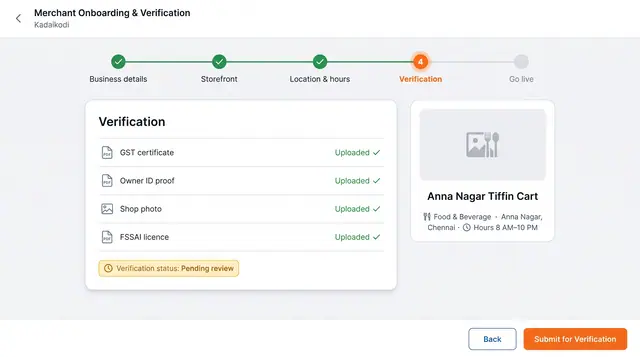
Onboarding, Verification and Go-Live
A guided path that takes a cart from sign-up through document review and service setup to an open storefront.
3 illustrations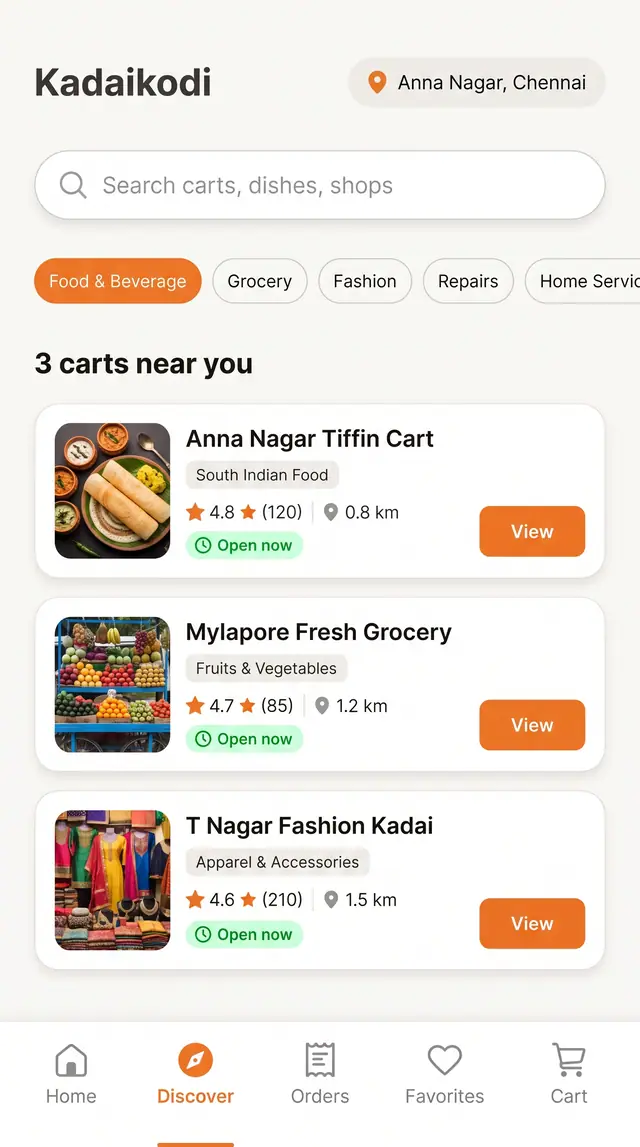
Discover Nearby Carts and Shops
Search, filter and browse open carts near you, then open one and build an order from its menu.
4 illustrations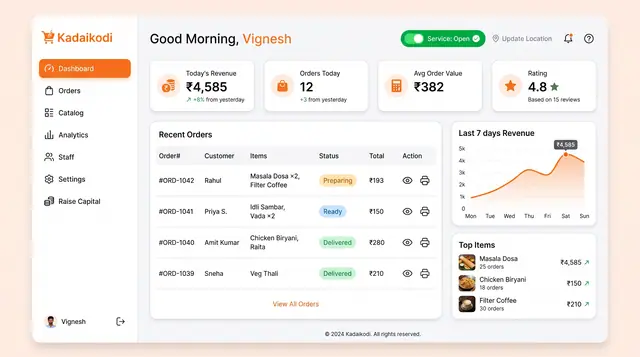
Merchant Dashboard and Order Lifecycle
See the day's revenue, orders and rating, open the storefront, and move each order from new to dispatched.
2 illustrations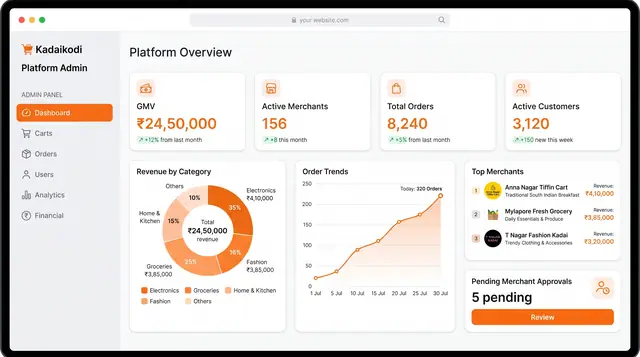
Platform Operations and Analytics
An operator's view of the whole marketplace: GMV, merchants, orders, customers, take rate and category mix across two linked screens.
2 illustrations