OperationsWorker

Clock in, work your shifts, and watch your earnings add up

Workers see their own schedule, clock in and out, and track daily earnings, deliveries, and rating in one place

Clock in, work your shifts, and watch your earnings add up

Every existing Kadaikodi story treats a worker as someone who receives dispatched tasks or sits on an owner’s roster. But a worker also has their own working life to manage — which shifts they’re on, when they started, and how much they’ve earned. Kadaikodi gives them that view directly.

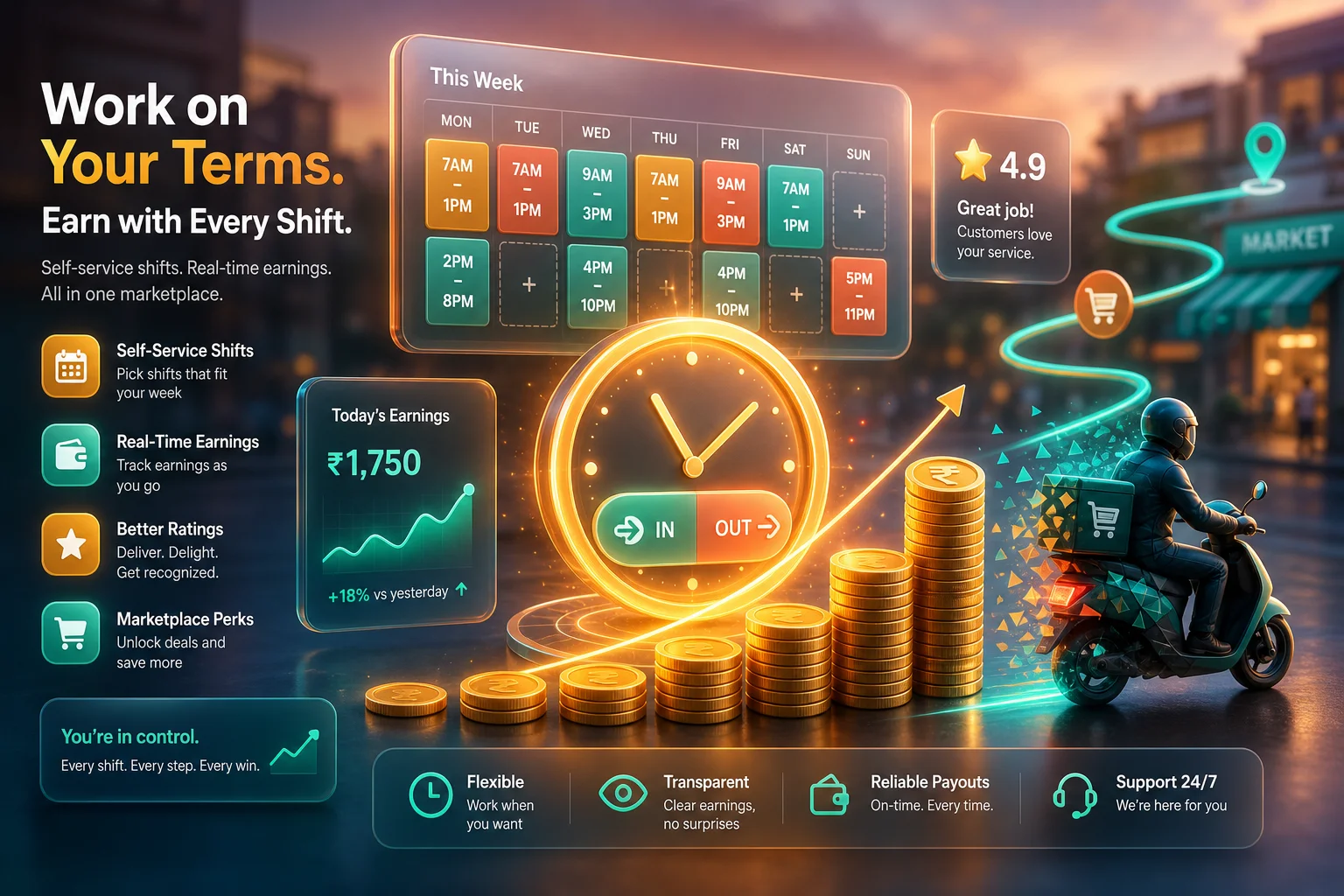
From the worker schedule, a worker sees their upcoming shifts laid out day by day — each with its date, start and end time, the merchant it belongs to, the tasks completed, and the pay for that shift. When a shift begins they Check In, and when it ends they Check Out; the same clock in / clock out action drives whether they’re on the clock right now, so there’s never any ambiguity about whether a shift is running.

The worker dashboard turns all of that into a running scorecard. Today’s earnings, today’s tasks, total deliveries, lifetime earnings, completion rate, and average rating are all visible at a glance and update as work gets done — so a rider finishing a lunch rush can watch the day’s pay climb and see their rating hold steady, without asking anyone or waiting for a statement.

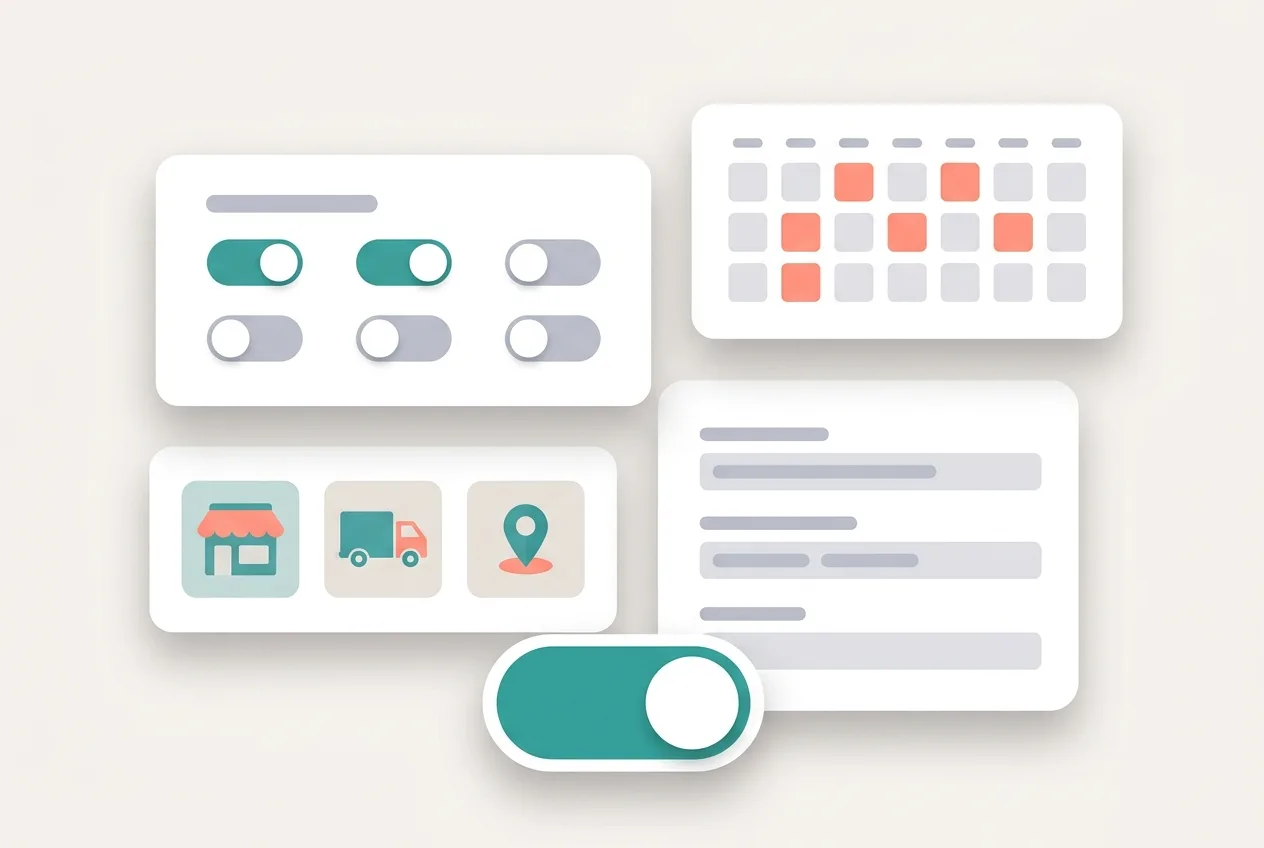
Workers can also set their weekly availability, marking which days and hours they’re open to be scheduled, so the schedule reflects when they actually want to work rather than a fixed grid imposed from above.

Because these surfaces are the worker’s own, every read is scoped to the person asking — a worker only ever sees their own schedule and their own stats, never anyone else’s. It’s the self-service layer that makes field work on Kadaikodi feel like a job you can see and manage, not a black box.

Illustrative scenario — describing the worker experience the platform delivers, not a record of real workers or earnings.

Illustrative workflow outline

See your own shifts, clock in and out, set your availability, and watch today’s earnings, deliveries, completion rate, and rating add up — the worker’s self-service view.

This outline is not proof that a workflow completed. Actual availability and outcomes depend on your role, workspace configuration, and the service at the time you use it.

0 / 6
  1. Open your worker dashboard and tap Clock In to start your shift.

    You should see: Your shift starts and your scorecard appears — today’s earnings, today’s tasks, total deliveries, completion rate, and average rating.

    Open in app

Ready to make this your story?