Cloud Kitchen Multi-Brand Order Board
Every order from every brand and channel in one kitchen queue, by station, with ticket timers and one 86 control.
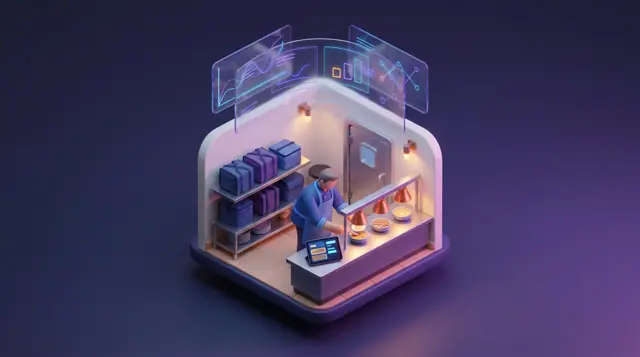
These images are illustrations of the concept, not screenshots of the actual product.
Overview
In a delivery-only kitchen, one line often cooks for several virtual brands at once, and orders arrive from the kitchen's own ordering as well as from several third-party delivery apps. Each source tends to bring its own tablet, its own printer and its own idea of when the courier will turn up, so a cook reads several screens while an item that has run out keeps selling under a second brand. This concept shows a Kitchen Board in Kadaikodi that gathers every brand and every channel into a single queue organized by station, for delivery-only kitchens and for busy restaurants with a large off-premise trade.
The illustration shows the board for one sample kitchen inside the merchant console. Chips across the top name the kitchen's two brands and its order sources, direct ordering plus three delivery channels, and three tiles count open tickets, average ticket time and late tickets. Grill, Fry and Cold & Bowls each get a column. Every ticket names its order number, brand and channel, lists the items and carries a running time: some times are tinted green or amber, and the longest-running is red with a Late badge. One ticket notes that its courier arrives in three minutes, and Start, Mark Ready and Handed Off buttons are designed to move each order through the kitchen.
On the right, an 86 List handles what the kitchen runs out of. One item is shown paused on two brands, with the time it was paused and a switch, and another is flagged as low with a count left and a Mark Item 86 button; the design intends that single action to pause an item on every brand that sells it. Below it, a Pickup Shelf lists ready orders, each with a time in minutes and whether its courier is at the door or still a few minutes away.
In the design, Kadaikodi holds the order record throughout. Direct orders are native, while delivery-channel tickets carry a Received via FluidGrids tag: FluidGrids workflows are designed to receive those orders by webhook and place them as Kadaikodi orders tagged with brand, channel and promised pickup time, so the board can treat every ticket alike. Each station header lists the cooks on shift under the note From CrewFoundry roster, reflecting the intent that CrewFoundry remains the source of who is working while Kadaikodi shows that crew next to their tickets. The board is designed for kitchen leads, expeditors and off-premise managers working from one shared view.
What this concept shows
- Brand and channel chips naming every brand and order source on one board
- Open tickets, average ticket time and late-ticket count in the header
- Grill, Fry and Cold & Bowls station columns, each showing the crew on shift from the CrewFoundry roster
- Tickets with order number, brand, channel, items and a color-coded timer, with a Late badge on an overdue ticket
- Courier arrival time shown on the ticket it is coming to collect
- Start, Mark Ready and Handed Off actions on every ticket
- 86 List with an item paused on two brands and a low-stock item ready to be marked 86
- Pickup Shelf of ready orders with each courier's status
How it works
- Delivery-channel orders are designed to arrive through FluidGrids and appear beside direct orders, each ticket naming its brand and channel.
- Check the open, average and late ticket figures across every brand and channel.
- At each station, tap Start when the crew begins a ticket and watch its timer as the ticket ages.
- Tap Mark Ready once the order is packed so it appears on the Pickup Shelf with its courier's status.
- Tap Handed Off when the courier collects the order.
- When an item runs low, use Mark Item 86 to pause it across every brand that sells it.
Who it's for
- Cloud kitchen and kitchen leads
- Expeditors
- Off-premise and delivery managers
- Multi-brand restaurant operators
- Line cooks working a station
Illustrations
1 illustration of this concept. Select one to view it full size.
Kitchen Board by Station With 86 List and Pickup Shelf
This illustration shows a Kitchen Board for a sample kitchen in the Kadaikodi merchant console, with Orders active in the dark sidebar and a notification bell and Merchant Admin profile at the top right. Chips list two sample brands and four channels, direct plus three delivery channels, beside tiles for open tickets, average ticket time and a red late count. Grill, Fry and Cold & Bowls columns each show two cooks on shift, labeled as coming from the CrewFoundry roster. Tickets carry the order number, brand and channel, items, a timer tinted green or amber on some tickets and red with a Late badge on one, and Start, Mark Ready and Handed Off buttons; one notes a courier arriving in three minutes. Delivery-channel tickets are tagged Received via FluidGrids. An 86 List shows one item paused on two brands and another running low with a Mark Item 86 button, and a Pickup Shelf lists two ready orders with courier status.
Topics
- cloud kitchen order management
- virtual brand kitchen display
- multi-brand kitchen board
- kitchen display for delivery orders
- ghost kitchen order queue
- 86 an item across brands
- delivery channel order aggregation
- ticket time tracking
- expo screen for off-premise orders
- courier pickup shelf
Related concepts
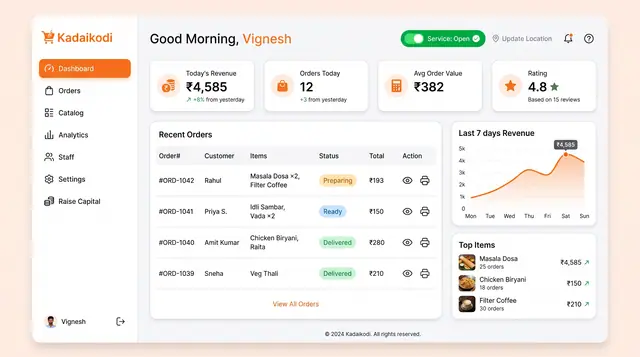
Merchant Dashboard and Order Lifecycle
See the day's revenue, orders and rating, open the storefront, and move each order from new to dispatched.
2 illustrations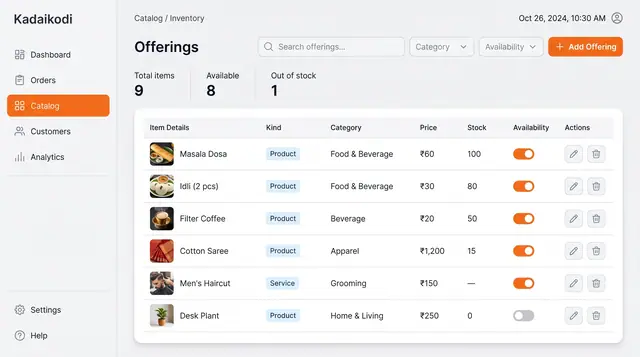
Catalog and Inventory Management
Manage products and bookable services in one table, with price, stock and an availability switch for each.
1 illustration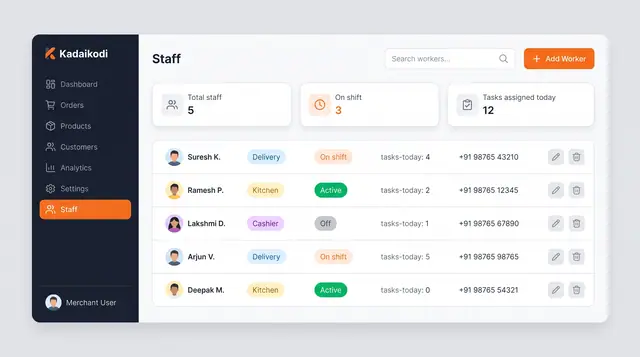
Staff Roster and Delivery Task Dispatch
A merchant roster and a worker app that turn shift status into assigned deliveries, guided task steps and weekly availability.
4 illustrations
Sales Analytics and Demand Outlook
Revenue, orders, top sellers and peak hours from a merchant's own orders, plus a look ahead at the next busy stretch.
3 illustrations
Part of an industry solution
This concept appears in a cross-product solution on burdenoff.com — see how it works alongside other Burdenoff products to solve a problem in that industry.