Home Service Complaint and Re-Service Desk
Each complaint held against its order, with its promise window counting down, re-cleans offered and damage claims backed by move-day photos.
These images are illustrations of the concept, not screenshots of the actual product.
Overview
In home services, complaints arrive from several directions. A customer may raise one in a chat, on a call or in a public review, about a missed area in a clean, pests that came back, a repair that failed, damage during a move or a pro who never showed. Each service line also promises a window for putting things right. This concept shows a Complaints and Re-Service desk in the Kadaikodi merchant console that holds every complaint as a case against the original order, so the customer care team works from the booking rather than from memory.
The illustration shows the desk for a sample Thursday, under Orders, with an Open case button. Tiles report open cases, cases with under four hours left in their window, damage claims and the amount of payouts on hold. The Open cases table filters by Missed area, Pests returned, Repair failed, Damage and No-show, and each row gives the case and order numbers, customer, service, complaint type, the time left in its window and the next step. In the sample, a missed area in a clean has three hours left and a re-clean offered to a named pro, a pest re-service is booked, a failed appliance repair has a part on order and a no-show has a refund approved. A case that came in through Botlit carries a Via Botlit tag.
A damage claim for a scratched hardwood floor after a local move is highlighted. Its panel shows a photo taken before loading and one after unloading, each with its time, from the MoveTheWheels driver app and signed by the customer, followed by the valuation option chosen, the crew lead and a payout hold. A Review reply draft panel holds a reply to the customer with Approve reply and Edit buttons, so a person approves the reply before it goes out.
In the design, Kadaikodi holds the order and the case. Botlit is designed to hand over complaints raised in conversation, tagged so the desk can see where they began. MoveTheWheels is designed to supply the crew's condition photos and the customer's sign-off, so a damage claim starts from evidence. Opening a case is designed to hold that job's payout, and a re-clean or re-service is designed to go first to the original pro and be booked as a new service task. Closing a case is designed to record the outcome and any refund, and a footer note says case notes are shared with the pro's CrewFoundry record. The desk is designed for customer care agents and service-line leads.
What this concept shows
- Open cases, window under four hours, damage claims and payouts on hold tiles
- Missed area, Pests returned, Repair failed, Damage and No-show filters
- Case table with order, customer, service, type, time left in the window and next step
- Countdown badge on a case with three hours left in its window
- Via Botlit tag on a complaint that came in through Botlit
- Damage claim with before-loading and after-unloading photos from the MoveTheWheels driver app, signed by the customer
- Valuation option, crew lead and payout hold shown on the claim
- Reply draft with Approve reply and Edit, and case notes shared with the CrewFoundry pro record
How it works
- A complaint from a Botlit conversation, a call or a review is opened as a case against its original order and given a type.
- Watch the tiles and the Window column for cases close to the end of their promise window.
- Offer a re-clean or re-service, designed to go first to the original pro and be booked as a new service task.
- For a damage claim, review the move-day photos and customer sign-off from the MoveTheWheels driver app, the valuation chosen and the payout hold.
- Approve or edit the drafted reply before it goes out.
- Close the case to record the outcome and any refund, with a note designed to reach the pro's CrewFoundry record.
Who it's for
- Customer care agents
- Customer care and service quality leads
- Home services marketplace operators
- Moving claims handlers
- Field service managers
Illustrations
1 illustration of this concept. Select one to view it full size.
Open Complaint Cases With a Damage Claim and Reply Draft
This illustration shows a Complaints and Re-Service page in the Kadaikodi merchant console, with Orders active and an Open case button. Tiles report open cases, cases with under four hours left in their window, damage claims and payouts on hold. The Open cases table filters by complaint type and lists five sample cases with order, customer, service, type, window and next step: a moving damage claim under review, a missed area in a clean with an amber three-hours-left badge, a re-clean offered and a Via Botlit tag, pests returned with a re-service booked, a failed repair with a part on order and a no-show with its refund approved. The highlighted claim, a scratched hardwood floor, is detailed in a side panel with before-loading and after-unloading photos from the MoveTheWheels driver app, signed by the customer, a valuation option, the crew lead and a payout hold. A reply draft offers Approve reply and Edit, and a footer notes case notes shared with the CrewFoundry pro record.
Topics
- home services complaint management
- re-clean request tracking
- service recovery desk
- moving damage claims
- pest control re-service
- appliance repair callback
- complaint resolution window
- customer care case management
- review reply drafting
- payout hold for disputed jobs
Related concepts
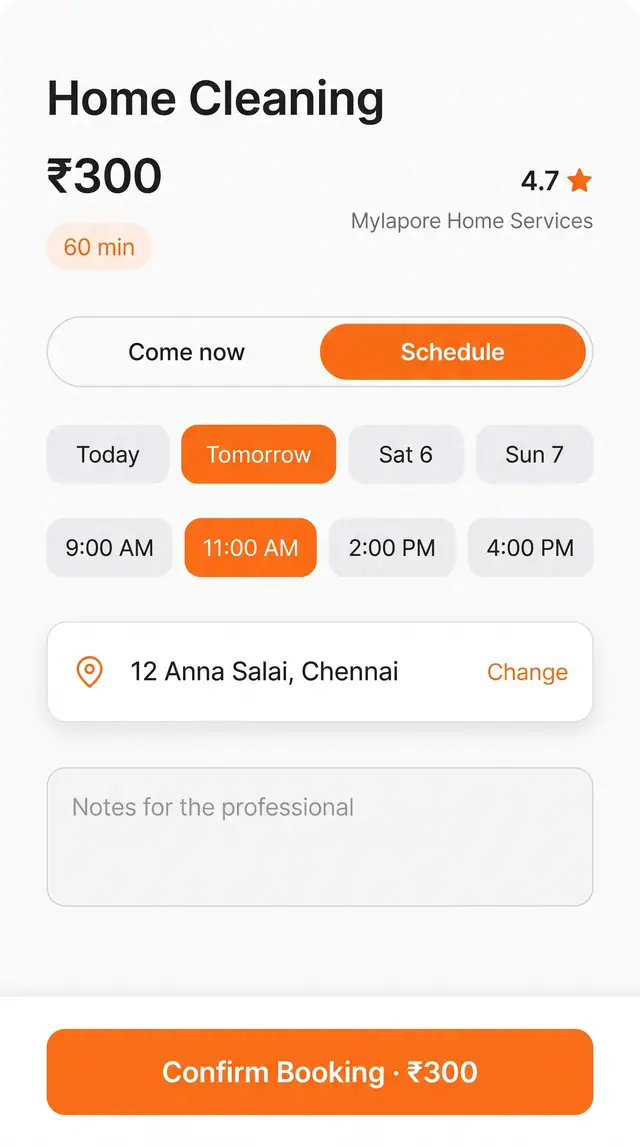
Service Appointment Booking
Book a home or personal service for right now or a chosen slot, with address, notes and price on one screen.
1 illustration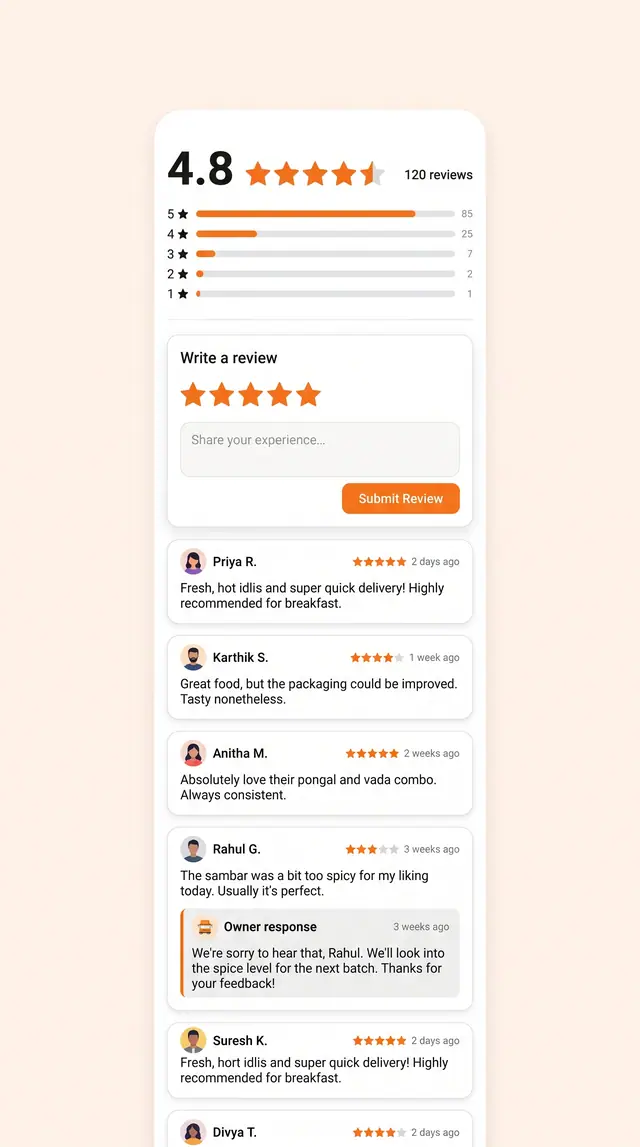
Ratings, Reviews and Owner Responses
An aggregate score, a star-by-star breakdown, a quick review form and visible owner replies on one screen.
1 illustration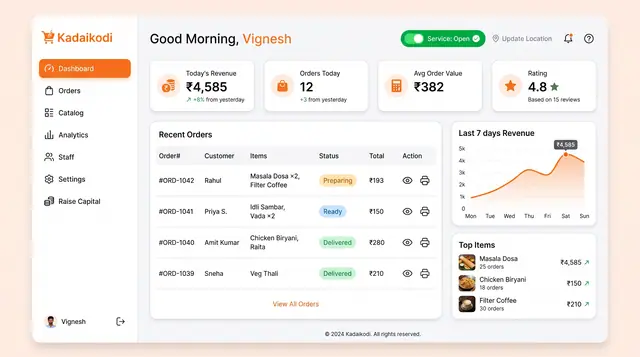
Merchant Dashboard and Order Lifecycle
See the day's revenue, orders and rating, open the storefront, and move each order from new to dispatched.
2 illustrations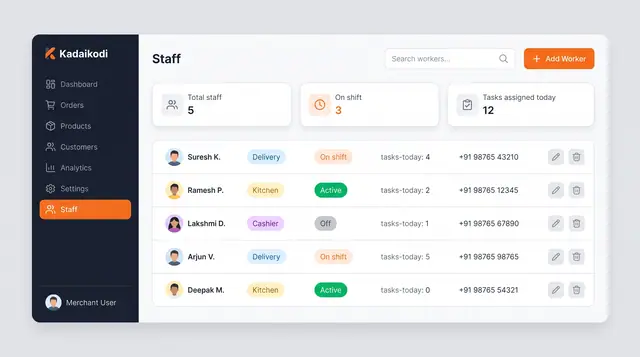
Staff Roster and Delivery Task Dispatch
A merchant roster and a worker app that turn shift status into assigned deliveries, guided task steps and weekly availability.
4 illustrations
Part of an industry solution
This concept appears in a cross-product solution on burdenoff.com — see how it works alongside other Burdenoff products to solve a problem in that industry.